To effectively navigate the USPTO trademark search, understanding advanced techniques is crucial. Whether you’re a founder or a small business owner, conducting a thorough search helps you avoid potential conflicts and ensures your brand is protected. This article offers USPTO trademark search tips, focusing on phonetic variants, design codes, and dead marks.
Understanding Phonetic Variants
Phonetic variants are alternative spellings or pronunciations of a trademark name. They can pose a risk if not identified early, as they may sound similar to your intended mark and cause confusion among consumers.
How to Search for Phonetic Variants
-
Use Wildcards: The USPTO’s search tool allows the use of wildcards like asterisks (*) and question marks (?). These can help capture different phonetic spellings.
-
Soundex: This coding system can be used to search for words that sound alike but are spelled differently. Soundex can help identify matches that might otherwise be missed.
-
Similar Sound Search: Enter different pronunciations or spellings of your trademark to ensure that all potential phonetic variants are covered.
Examples of Phonetic Searches
- “Light” might be searched as “Lite”
- “Quick” could be “Kwik”
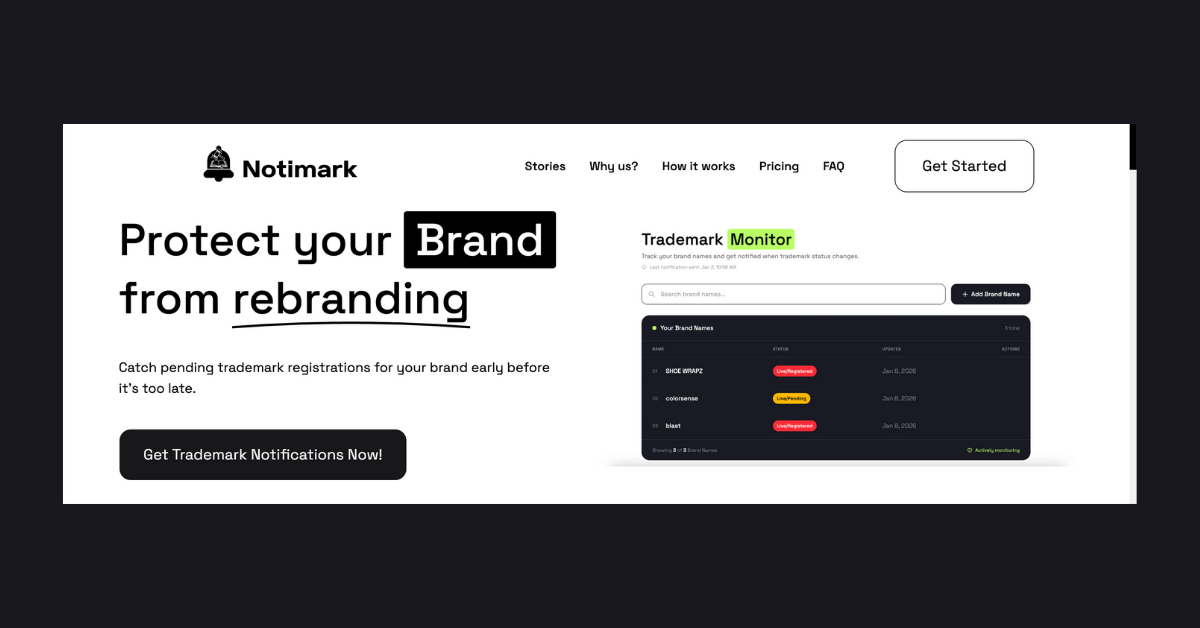
Tip: Regular monitoring with a service like Notimark can alert you to new phonetic variants of your trademark.
Exploring Design Codes
Design codes are essential if your trademark includes a logo or graphic element. The USPTO assigns a numeric code to each visual element in a mark, which helps in identifying similar designs.
Using Design Codes in Searches
-
Identify Design Elements: Break down your logo into its basic elements and find the corresponding design codes using the USPTO’s Design Search Code Manual.
-
Combine Codes: Use combinations of multiple design codes to narrow down your search results to trademarks that closely resemble your own.
-
Regular Updates: Design codes are updated regularly. Keep abreast of changes to ensure comprehensive search results.
Example of Design Code Search
If your logo features a star and a circle, you would search using both the star and circle design codes.
Understanding Dead Marks
Dead marks are trademarks that were once registered but are no longer active. They can be a valuable resource when researching potential conflicts or opportunities.
How to Leverage Dead Marks
-
Check Status: Use the USPTO database to check the status of a mark. A dead mark might indicate a name is available for use, but it also might suggest potential legal challenges.
-
Review History: Understanding why a mark is dead can provide insights into potential pitfalls or previous legal disputes.
-
Monitor for Revival: Some dead marks can be revived. Regular monitoring with Notimark can alert you if a previously dead mark becomes active again.
Example of Dead Mark Analysis
A dead mark with a similar name to your brand might be an opportunity for use, but ensure there’s no lingering confusion or legal issues.
FAQ
What is a USPTO trademark search?
A USPTO trademark search involves checking the United States Patent and Trademark Office’s database for registered and pending trademarks to avoid conflicts with your brand name or logo.
How do I search for similar trademarks?
Use phonetic variants, design codes, and check for dead marks. The USPTO’s search tools offer features like wildcards and Soundex to help identify similar trademarks.
Why monitor trademarks?
Monitoring trademarks helps identify potential conflicts early, allowing you to take action to protect your brand. Services like Notimark can assist in ongoing monitoring.
Can a dead trademark be reused?
Yes, but with caution. A dead trademark might be available for use, but it is crucial to understand its history and potential legal implications. Always conduct a thorough search and consider consulting a trademark attorney.
