Understanding Google Play’s Trademark Takedown Process
If you’re a developer with an app on Google Play, you might face a trademark takedown notice at some point. When a trademark owner believes your app infringes on their rights, they can file a complaint through Google Play’s intellectual property (IP) complaint process. Understanding this process is crucial to protect your app and your business.
Google Play acts swiftly on trademark complaints. Upon receiving a valid complaint, Google may remove or suspend the app in question. This can be a significant setback, especially if your app is a primary revenue source. Therefore, knowing how to navigate the trademark takedown process and how to appeal decisions is vital.
Filing a Counter-Notice
What is a Counter-Notice?
When your app is subject to a trademark takedown, you can file a counter-notice if you believe the complaint is invalid. A counter-notice is essentially your way of disputing the claim. This process allows you to present your case and potentially have your app reinstated.
Steps to File a Counter-Notice
- Review the Complaint: Understand the specifics of the complaint against your app. Identify the trademark and the nature of the alleged infringement.
- Gather Evidence: Collect any evidence that supports your position. This might include your own trademark registrations, documentation of prior use, or evidence that your app does not infringe on the claim.
- Submit the Counter-Notice: Use Google Play’s online form to submit your counter-notice. Provide a detailed explanation of your position and attach any supporting documents.
- Await Response: Google will review your submission and decide whether to reinstate your app.
Appealing a Takedown Decision
When to Appeal
If your counter-notice is unsuccessful, you still have the option to appeal the decision. An appeal is appropriate if you have additional evidence or arguments that were not included in your original counter-notice.
How to Appeal
- Enhance Your Evidence: Before appealing, ensure you have comprehensive evidence and arguments. This might involve seeking legal advice or consulting with a trademark expert.
- Submit an Appeal: Use the contact information provided by Google in their decision notice to appeal. Clearly state why you believe the takedown was incorrect, backed by your enhanced evidence.
- Follow Up: After submitting your appeal, monitor communications from Google for any updates or requests for further information.
Avoiding Trademark Issues on Google Play
Conducting a Trademark Search
Before launching an app, conduct a thorough trademark search to ensure your app name doesn’t infringe on existing trademarks. This proactive step can save you from future legal troubles.
Monitoring Your Brand
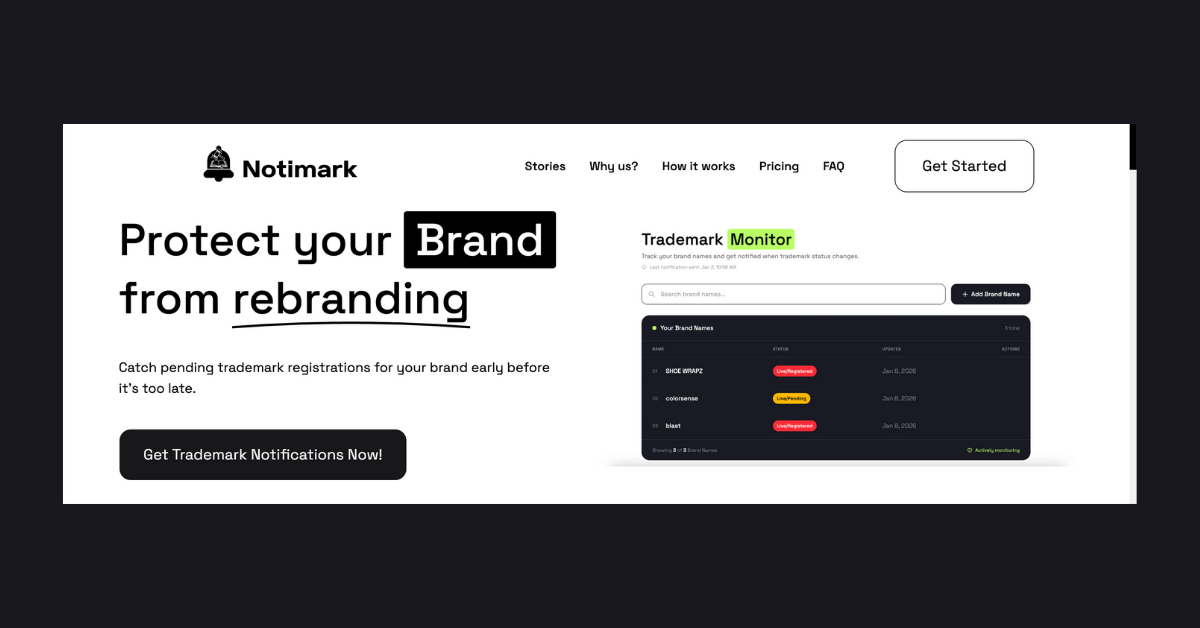
Use a service like Notimark to monitor for new or pending trademarks that may conflict with your app’s name. Early detection allows you to oppose potential conflicts or adjust your branding strategies.
Registering Your Trademark
Consider registering your own trademark for added protection. This not only helps in defending against infringement claims but also strengthens your brand’s identity.
FAQ
How long does Google Play take to review a counter-notice?
Google Play typically takes a few weeks to review a counter-notice. However, the timeframe can vary depending on the complexity of the case and the evidence provided.
Can I launch my app under a new name after a takedown?
Yes, relaunching your app under a new name is possible, but ensure the new name does not infringe on any existing trademarks.
What happens if my appeal is denied?
If your appeal is denied, you may need to consult with a legal professional to explore further options. This might include negotiating with the trademark owner or considering a rebrand.
Is trademark monitoring necessary for all apps?
While not mandatory, trademark monitoring with services like Notimark is beneficial for any app developer. It helps you stay informed about potential conflicts and take action early.
