You have a name you love. The domain is available, the social handles are free, and the logo is half-done in Figma. Before you ship, there is one check most founders skip: is the name already trademarked?
Skipping it is how products end up renamed six months after launch — or flagged and removed from the App Store. The good news is that a basic trademark check is free and takes about 20 minutes. Here’s how to do it.
Step 1: Search the USPTO database
The USPTO trademark search (formerly TESS) covers every registered and pending trademark in the United States.
- Search your exact name first.
- Then search close variations — plurals, hyphenations, phonetic spellings (“Notifyr” vs “Notifier”).
- Check the status of each result:
LIVEmarks are enforceable,DEADmarks usually are not.
A hit is not automatically a dealbreaker. What matters is the next step.
Step 2: Check the classes and the goods/services description
Trademarks are registered in one or more of 45 international classes. Software products usually fall under:
- Class 9 — downloadable software and mobile apps
- Class 42 — SaaS and hosted software services
If an identical name is registered for a restaurant chain (Class 43), you may still be fine. If it is registered in Class 9 or 42 for software that does something similar to yours, that is a genuine conflict — the legal test is whether customers are likely to confuse the two.
Step 3: Search beyond the USPTO
A federal registration is not the only source of trademark rights in the US. Common-law rights come from actual use, so also check:
- Google, the App Store, and Google Play for products already using the name
- State trademark databases if a competitor is local
- WIPO’s Global Brand Database and EUIPO if you sell internationally
What the results mean
- No hits anywhere: you’re in good shape today. Note the word today — new applications are filed every day.
- A LIVE mark in your classes: talk to a trademark attorney before launching. A rename now is far cheaper than one after you have users.
- A pending application: you may be able to file an opposition during its 30-day publication window — but only if you find out in time.
The part nobody tells you: one search is not enough
A trademark search is a snapshot. Someone can file for your product’s name a week after you check, and the USPTO will not notify you. You typically find out when a cease-and-desist arrives or an app-store takedown lands.
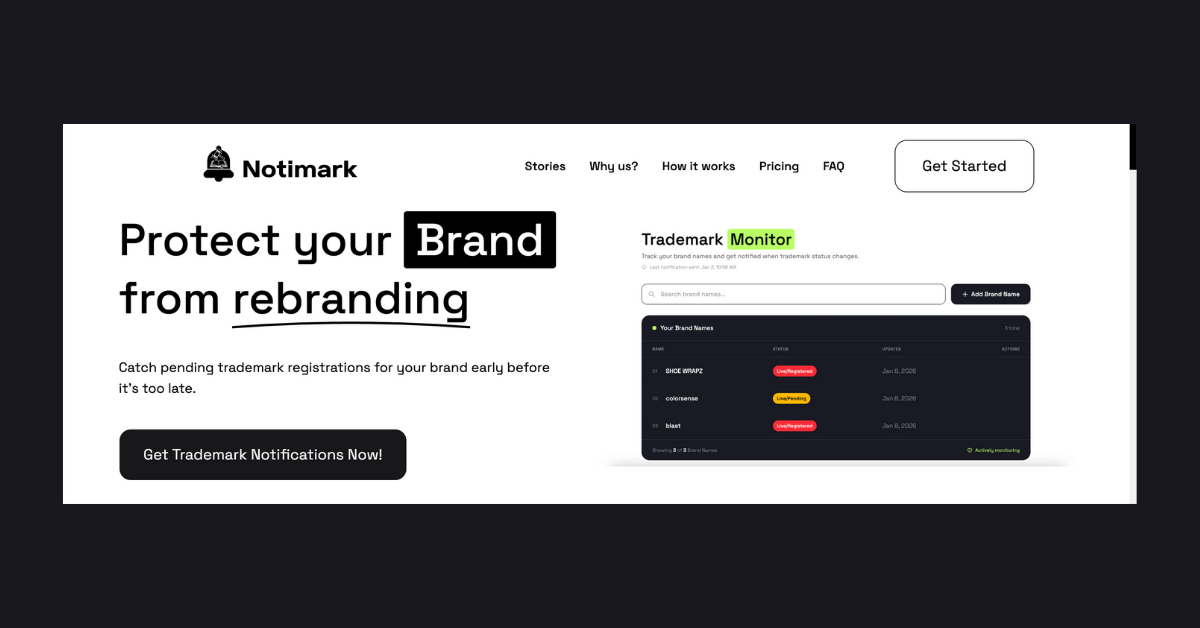
That is the gap Notimark closes: it monitors new trademark filings continuously and emails you the moment someone files for a name that matches your product, so you can object while the application is still pending — without paying for a trademark yourself.
FAQ
Is checking a trademark free? Yes. USPTO, WIPO, and EUIPO searches are all free public databases.
Do I need to trademark my name to be protected? No. Using the name in commerce gives you common-law rights, and monitoring filings lets you defend the name without registering it. Registration adds stronger, nationwide protection when you’re ready.
What happens if I use a trademarked name by accident? The owner can send a cease-and-desist, request an app-store takedown, or sue for infringement. App stores usually side with the registered owner, so your app can be removed or banned.
