Understanding Trademark Specimens for Software
When filing a trademark application for software, including apps and SaaS, it’s crucial to provide an acceptable trademark specimen. A specimen is a real-world example showing how you use your trademark in commerce. For software, this often includes screenshots, landing pages, or other digital displays that demonstrate the mark in use with your product.
What Counts as an Acceptable Specimen?
The United States Patent and Trademark Office (USPTO) requires specimens that show the mark used in a way that consumers recognize it as a source identifier. For apps and SaaS, this generally means:
- Screenshots: These can show the app’s main interface, a login page, or a user dashboard. The trademark must be visible and associated with the software product.
- Landing Pages: A website’s landing page can serve as a specimen if it prominently displays the mark and provides a way for consumers to access the software, such as a download or purchase link.
- App Store Listings: For mobile apps, a screenshot of the app’s listing on the App Store or Google Play can be an effective specimen. Ensure the mark is clearly visible in the app description or title.
- Promotional Material: Brochures, advertisements, or online banners that show the mark in connection to the software can also be used.
How to Prepare Your Specimen
Screenshots
1. Ensure Clarity: The screenshot should clearly show the trademark as it appears to users. Avoid cropping the image too closely; include enough context to demonstrate the software environment.
2. Highlight the Mark: The trademark should be distinguishable and not lost in other text or images. Use arrows or highlights if necessary to point out the mark.
Landing Pages
1. Use High-Quality Images: Provide a full-page capture of your landing page, including the URL. The page should clearly display the trademark and offer a clear path to access the software.
2. Show Functionality: If possible, include interactive elements or descriptions that explain the software’s functionality, reinforcing the association between the mark and the product.
App Store Listings
1. Include Key Details: The listing should show the app name with the trademark, a logo if applicable, and any relevant descriptions or promotional text.
2. Verify Visibility: The mark should be easily seen in the listing, ideally in the title or the first few lines of the description.
Why Trademark Specimens Matter
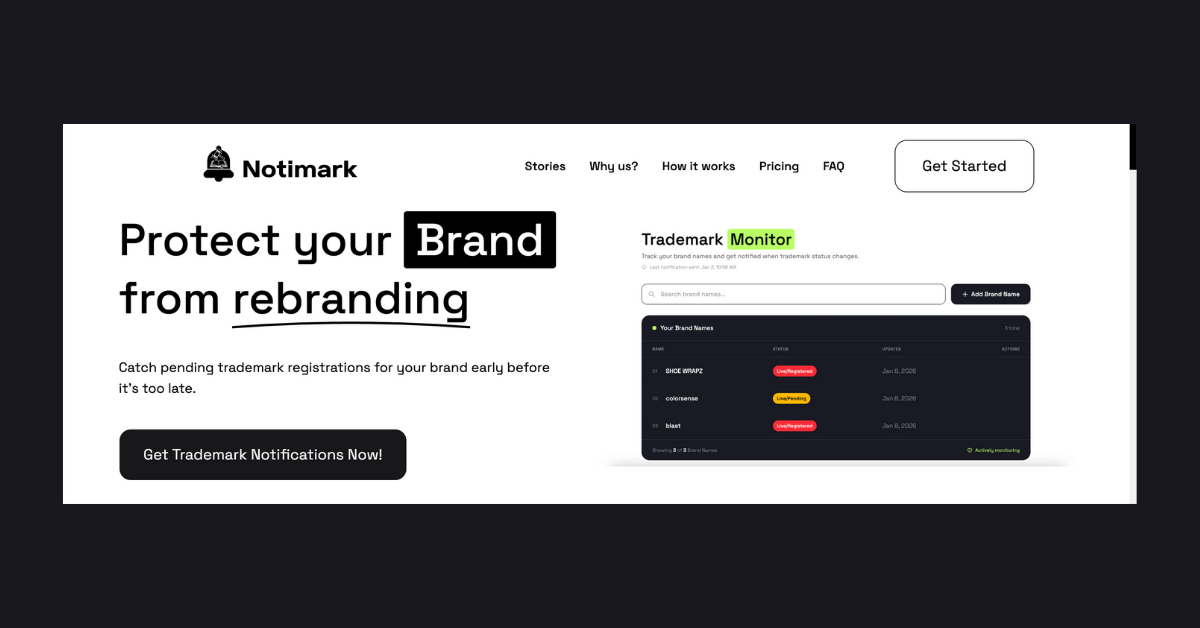
The right specimen is crucial for a successful trademark application. It proves to the USPTO that your mark is used in commerce. Failing to provide an adequate specimen can lead to delays or rejection. Regularly monitoring trademarks with services like Notimark can help you stay ahead of potential conflicts and ensure your specimens remain compliant and effective.
Common Mistakes to Avoid
- Generic Descriptions: Avoid using specimens that are too generic or do not clearly illustrate the software’s use.
- Mockups: Do not use design mockups or images that are not currently in use in commerce.
- Non-commercial Use: Specimens must show the mark in a commercial context, not just an internal or development environment.
FAQ
What is a trademark specimen for software?
A trademark specimen for software is a real-world example, like a screenshot or landing page, that shows how the trademark is used in connection with the software product.
Can I use a webpage as a specimen?
Yes, a webpage can be a valid specimen if it displays the trademark and provides a way for consumers to access the software.
Are app store listings acceptable specimens?
Yes, app store listings are acceptable if they clearly show the trademark and associate it with the software.
How can Notimark help with trademark specimens?
Notimark aids in monitoring trademarks to prevent conflicts and ensure your specimens comply with USPTO requirements.
